

Appearance
User Guide for Seller Policy
Seller Policy Configuration in Shopify Multivendor Marketplace
The Multivendor Marketplace app for Shopify allows merchants and sellers to configure two types of seller policies:
- Normal Seller Policy
- Advanced Seller Policy
By default, the Normal Seller Policy is selected in the app. This provides sellers with a simple text area to add their seller policy, which is then displayed on the seller's profile page.
With the Advanced Seller Policy feature, the admin can configure a more detailed seller policy including fields like delivery days, delivery time, delivery method name, and more. Sellers can also manage their policies from the "My Account" section in their profile.
Workflow
Normal Seller Policy
To enable the Normal Seller Policy, follow these steps:
Admin Panel → Configuration → Seller Configuration → Select Normal Seller Policy → Save Changes

Once selected, the admin can add a seller policy for any seller by editing their profile:
Admin Panel → Sellers → Select Seller → Edit (from Action Menu) → Add Normal Policy → Save


Sellers can also set their own policy by navigating to:
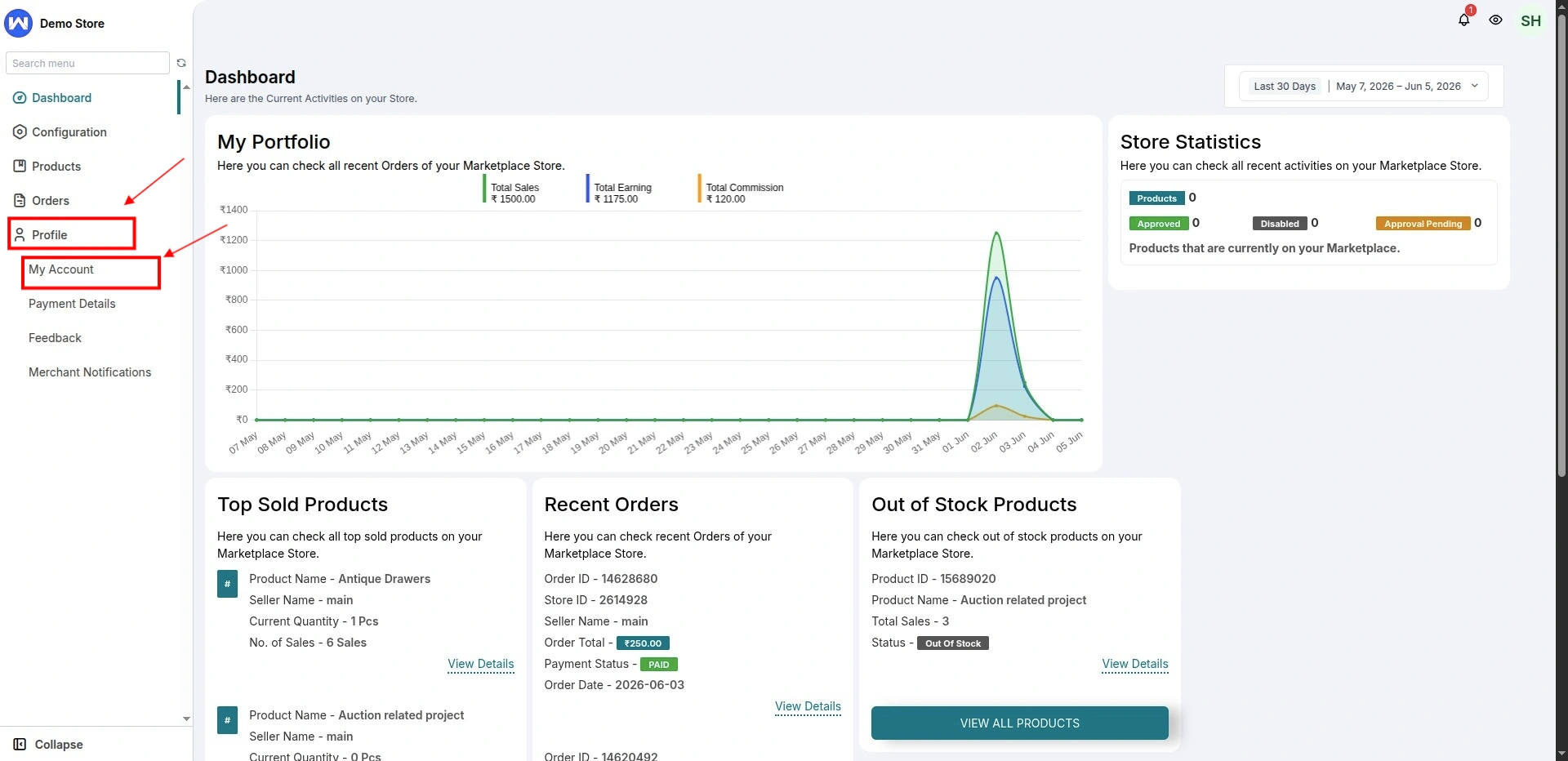
Seller Panel >> Profile >> My Account >> Write Seller Policy >> Save

The entered seller policy will reflect on the seller's public profile page:

Advanced Seller Policy
To enable the Advanced Seller Policy, follow these steps:
Admin Panel >> Configuration >> Seller Configuration >> Choose Advanced Seller Policy from the dropdown under "Seller Policy" >> Save Changes


The admin can now edit each seller’s profile to configure advanced seller policy fields.

Similarly, the seller can also update these details by navigating to:
Seller Panel >> Profile >> My Account >> Fill in fields like delivery time, delivery days, etc. >> Save Changes .

These policy details will appear publicly on the seller's profile page for customers to review.

Note:
If the admin wishes to customize the specific content and fields for the advanced seller policy, they can do so by modifying the content and variables in the seller policy section.
The final saved values will be visible on the seller’s public profile:

SCHEDULE DEMO
Click here to Schedule the demo of Multivendor marketplace App for Shopify